Register as a recipient for secure email from Traficom
Traficom uses the Deltagon Sec@GW (Secmail) system to transmit information classified at protection level IV (TL IV) to and from Traficom employees. The maximum email size limit is 40 MB.
You can read encrypted emails sent from Traficom once you have registered as a D-Envelope recipient.
Follow these steps:
- Step 1
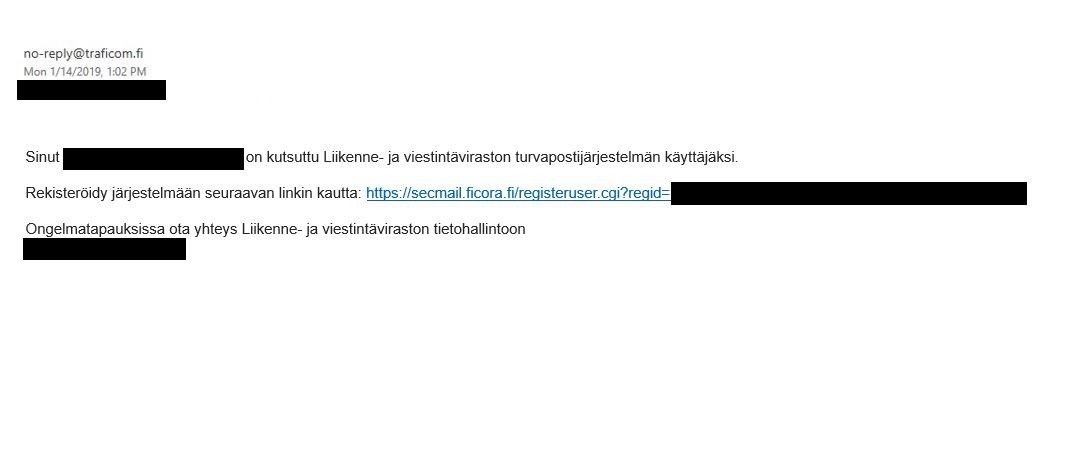
Accept the invitation
When a Traficom employee invites you as an email recipient, you will receive a registration invitation by email. The message sender is shown as no-reply@traficom.fi. If you do not receive the invitation email, check your junk/spam folder.
- Step 2
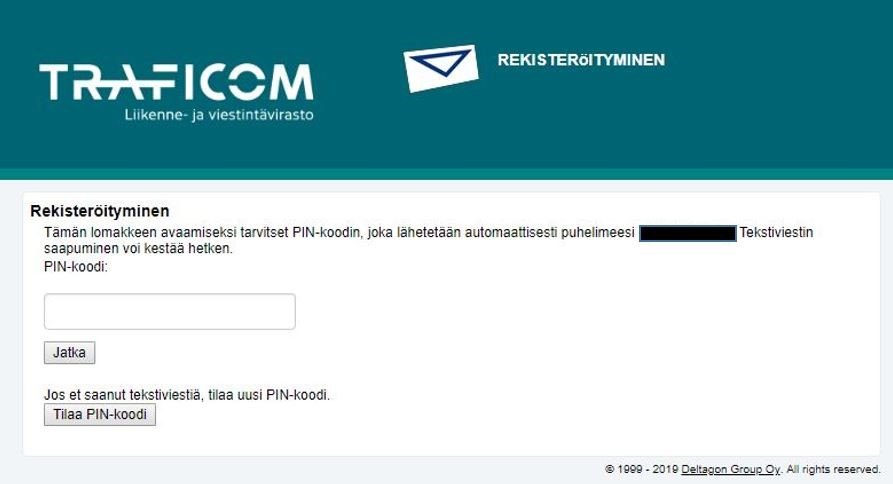
Enter the code
Click the registration link to receive a 15-character code by text message (the sender has entered your phone number as the recipient of the message). Enter the code into the appropriate field (Image 8) and select Continue.
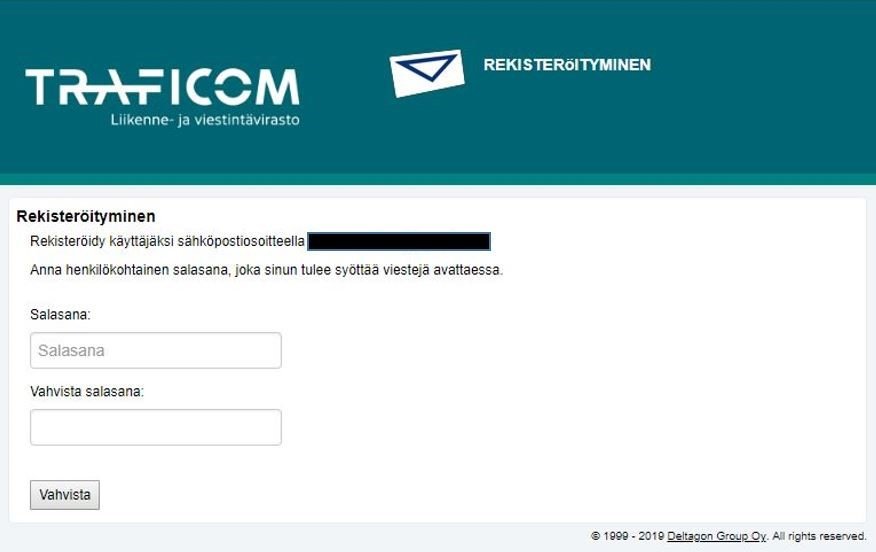
Next, set a password with at least 15 characters. You will need it whenever you open an email sent to you.
Make sure your password contains lower case letters, upper case letters and numbers.
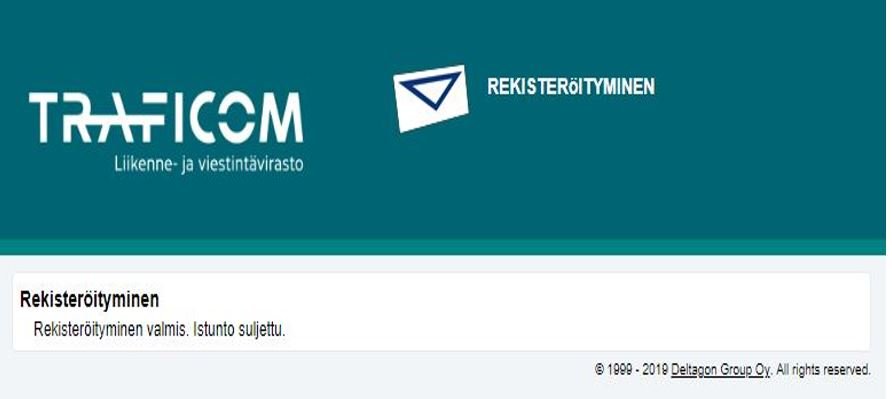
Finally, you will receive a message informing you that your registration was successful.